Why peer to peer
No egress fees
Visitors connect peer to peer to the nearest available node, so you don't pay to serve your data out of a cloud.
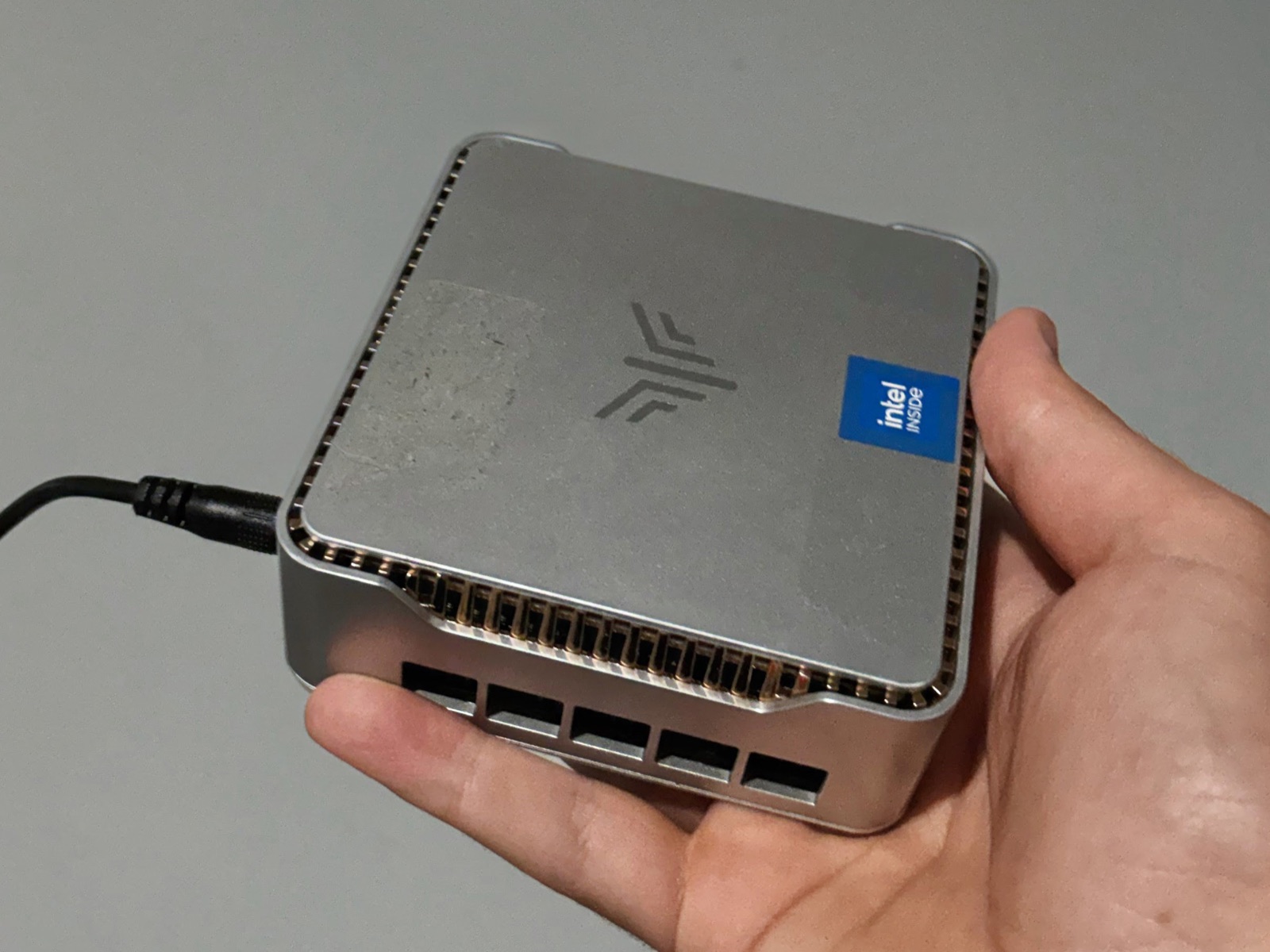
Configure a node with the public data and Uncloud distributes it across the storage network for a fraction of the cost.
-
Load your data
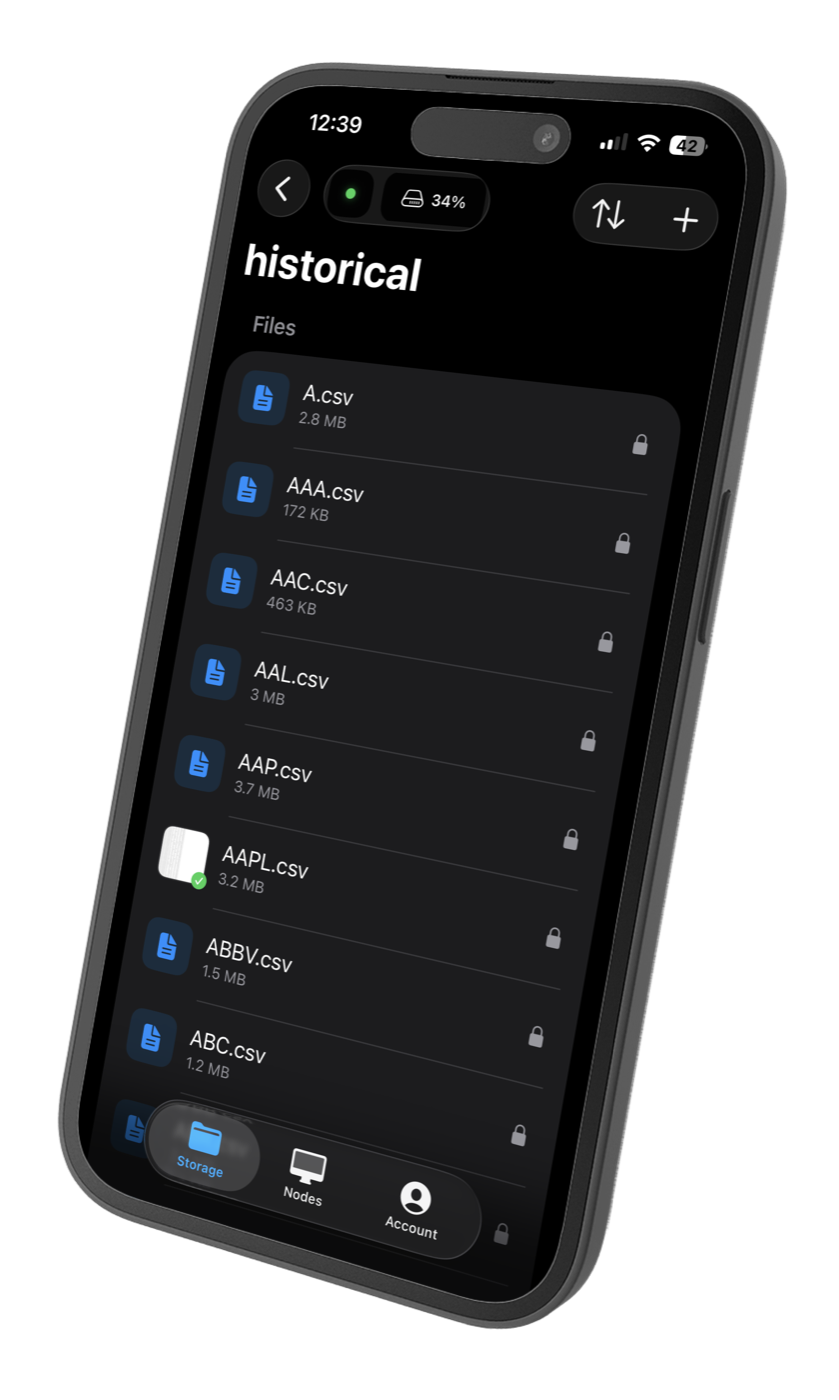
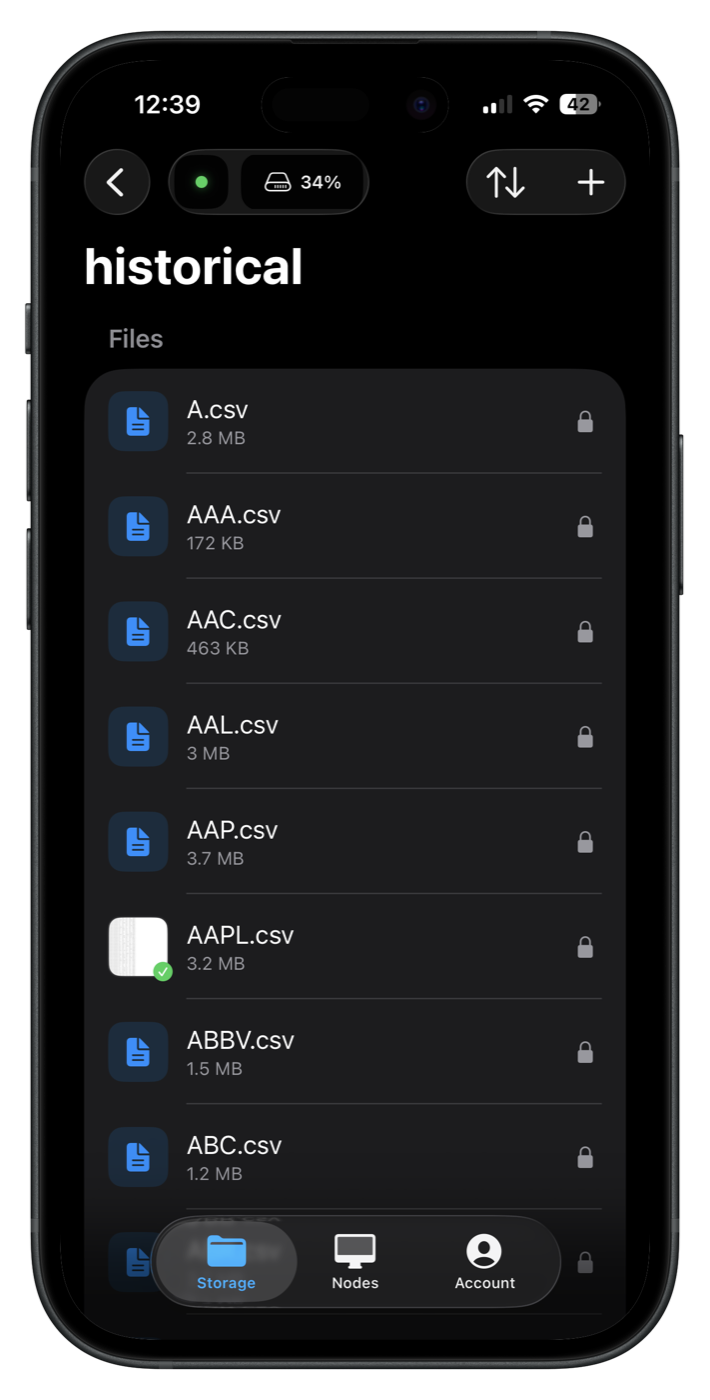
Drag and drop your datasets into your node from the Uncloud Dashboard.
-
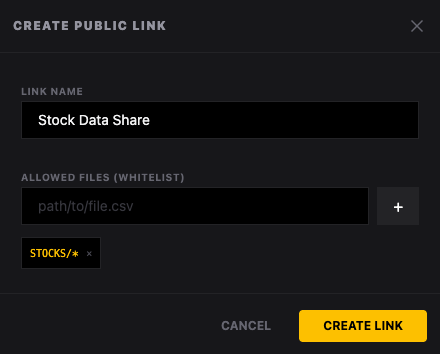
Create a public link
A public link exposes exactly the files or folders you choose to the peer-to-peer network, and nothing else.
-
Copy the link ID
Your
linkIdis how the uncloud-p2p package finds and queries your node from any visitor's browser.Copy it from the public link you just made.
-
Query it in the browser
Install the package.
npm install uncloud-p2pConnect to a node and list its files.
const p2p = new UncloudP2P({ nodeId }); await p2p.connect(); await p2p.waitForOpen(); const files = await ListFiles(p2p);Read a file into memory.
for (const file of files) { if (file.Name.endsWith(".csv")) { const blob = await p2p.downloadToMemory(file.Name); stockDataCache.set(file.Name, await blob.text()); } }Or download it to the visitor's device.
p2p.downloadFile(file.Name);
Built with it
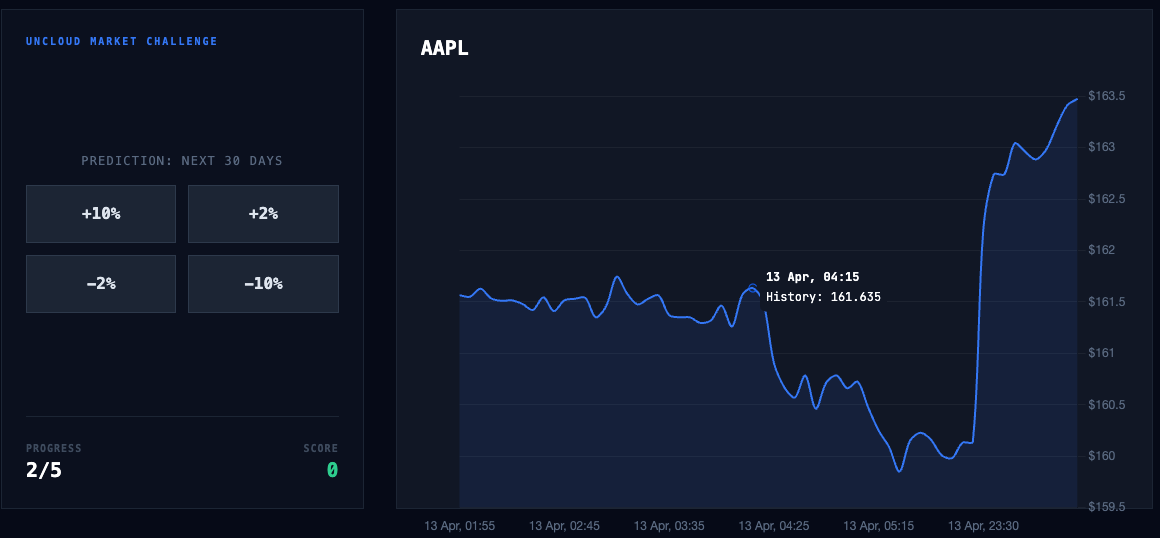
The result
A stock explorer that reads its CSV data live from a node.