-
Create an account
On the computer you want to turn into a node, open Uncloud in your browser and create an account.
-
Run the install command
Copy the install command shown in the app and run it in a terminal on the same computer. It looks like this:
curl -sSL https://uncloud.mpsoftware.io/install.sh | shirm https://uncloud.mpsoftware.io/install.ps1 | iex -
Link it to your account
When the install finishes, the terminal shows a QR code and a link. Use either one to connect the node to your account.
- Same computer? Click the link.
- Another device? Scan the QR code with your phone and sign in.
-
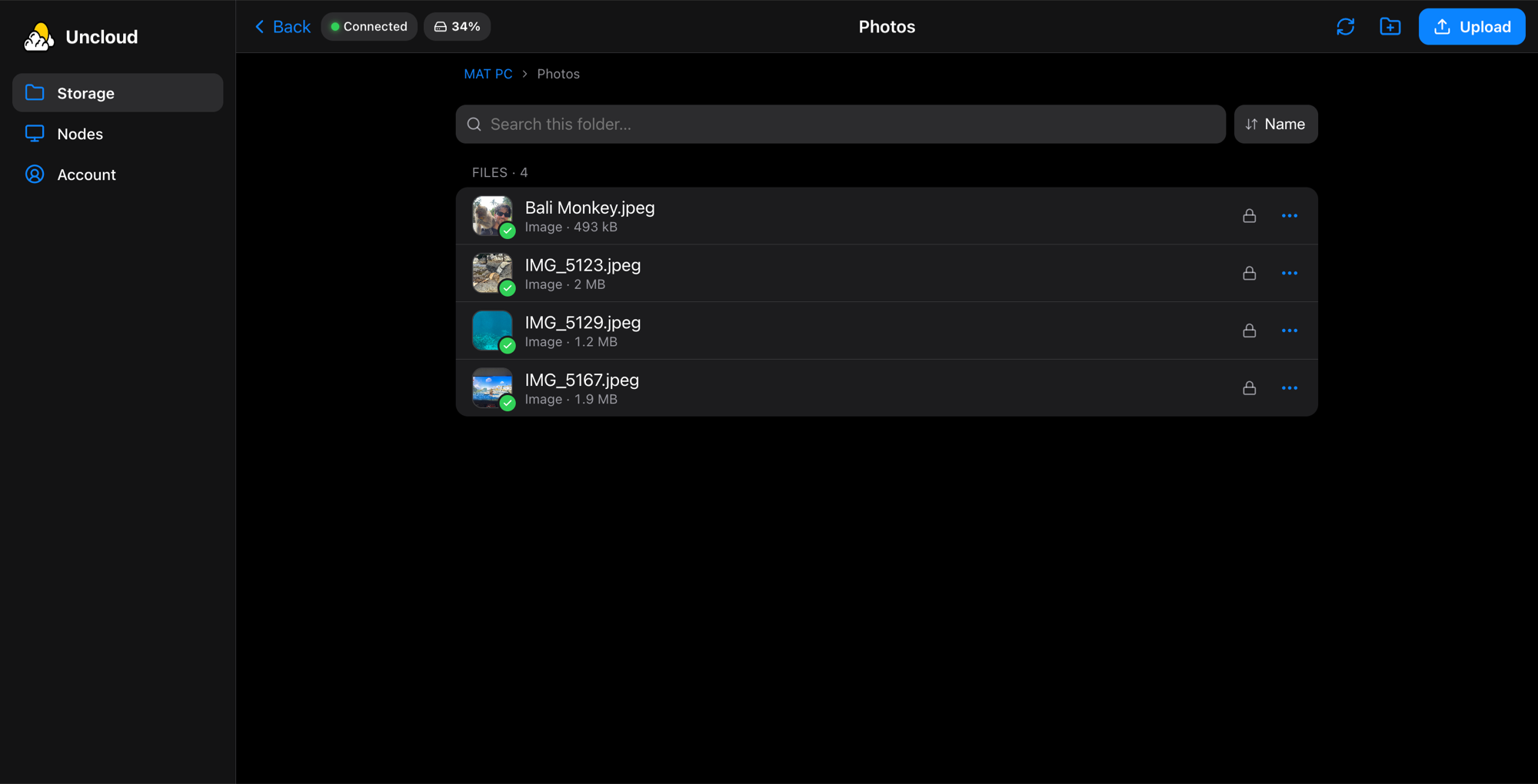
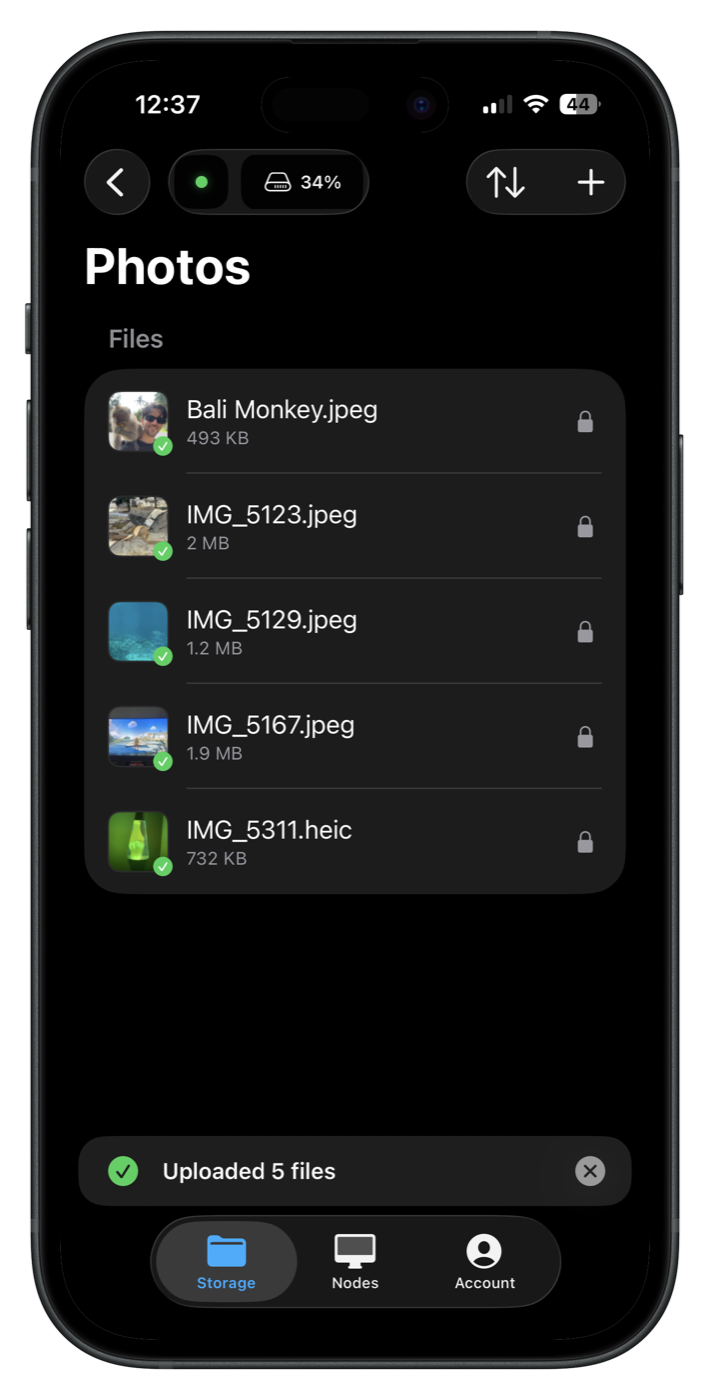
Open your files
That's it. Open Uncloud on your phone, tablet or computer to upload, browse and share files.
Uncloud Plus
Reach it from anywhere
Your node is always free on your home network. Uncloud Plus connects you to it from any other: at work, travelling or on mobile data, with no port forwarding.
Plus is $3.99 a month, with 30 days free, and shared links work more reliably with it.