Uncloud Plus
100 GB
Of encrypted cloud storage for as long as you like, and your own storage node from any network.
Cancel before the trial ends and you won't be charged. Fair use applies.
Private cloud storage
Full right now? Free it upMove your photos, videos and files into Uncloud, encrypted on your phone, then take them home to a computer you own.
10 GB free for your first 30 days, no card. Move it to your own storage node whenever you're ready.
How it goes
Upload today with nothing to set up. Later, turn a computer you own into your storage node and pull it all across.
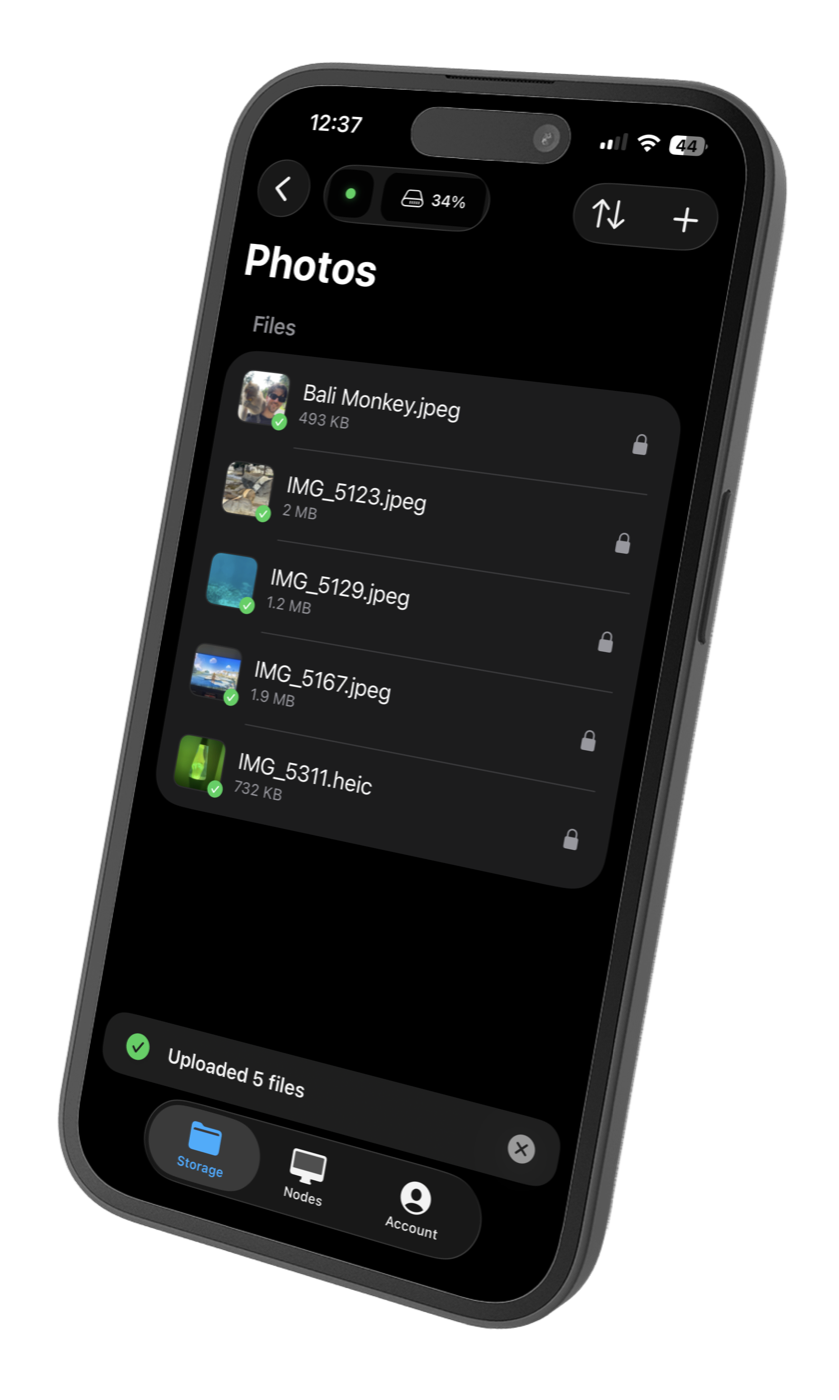
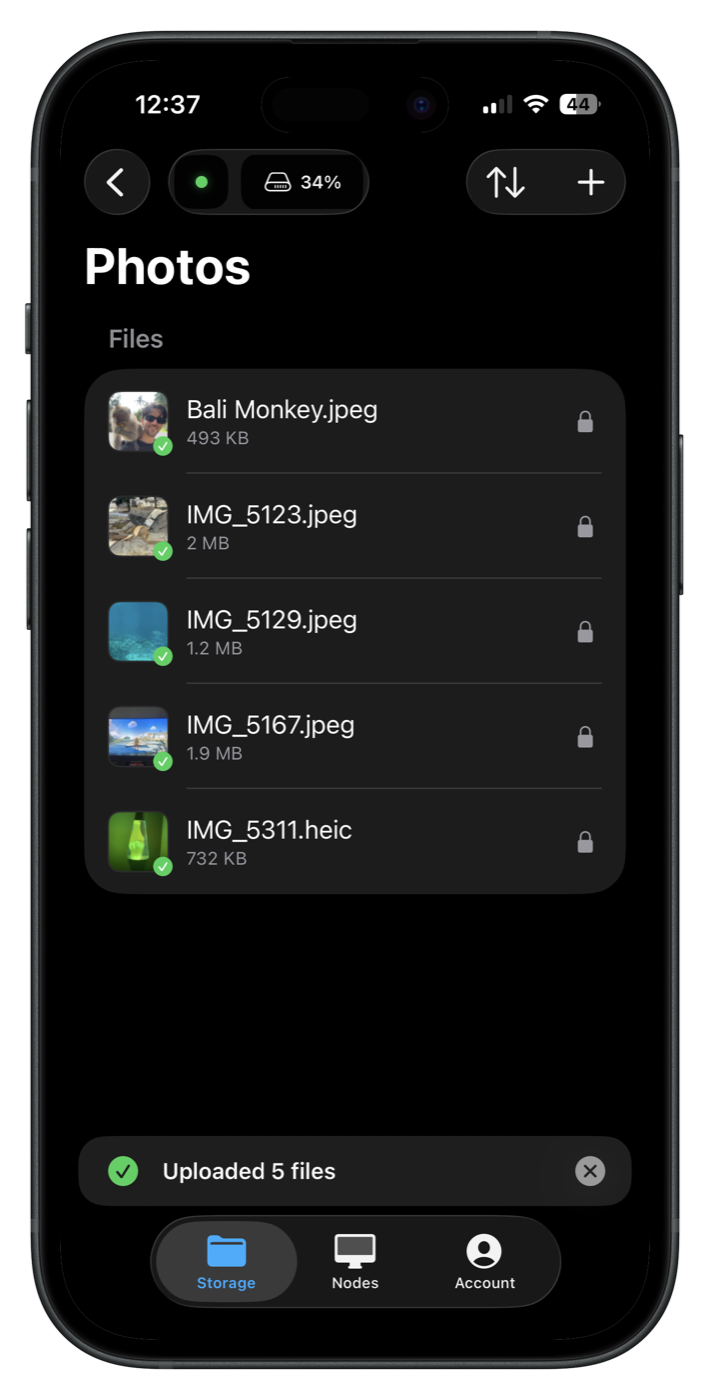
Sign in and upload from your phone or browser. 10 GB is free for your first 30 days, and every file is encrypted on your device before it leaves.

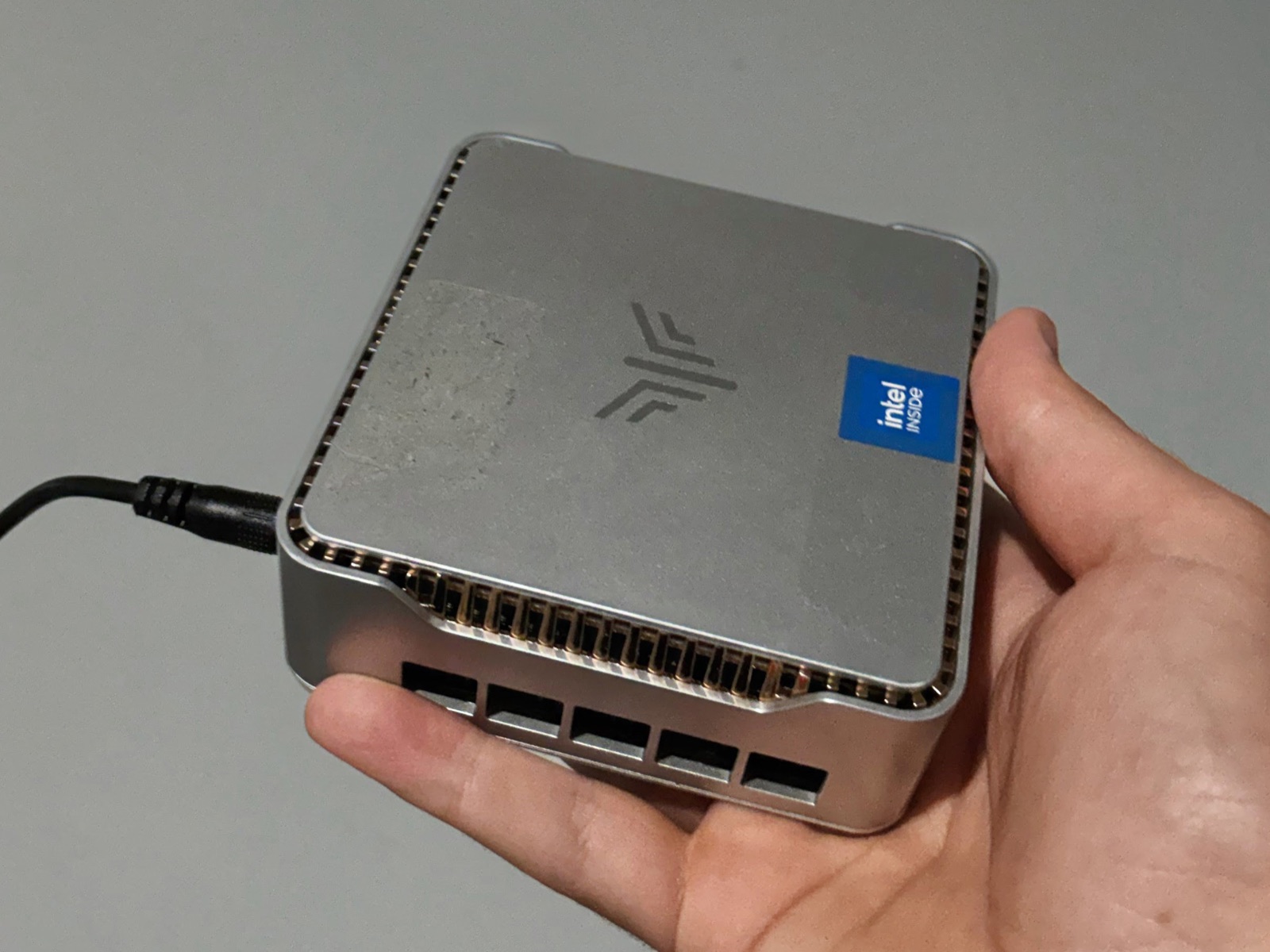
An old laptop or a mini PC becomes your Uncloud Storage Node with one command, on macOS, Linux or Windows. It holds as much as its drives do.
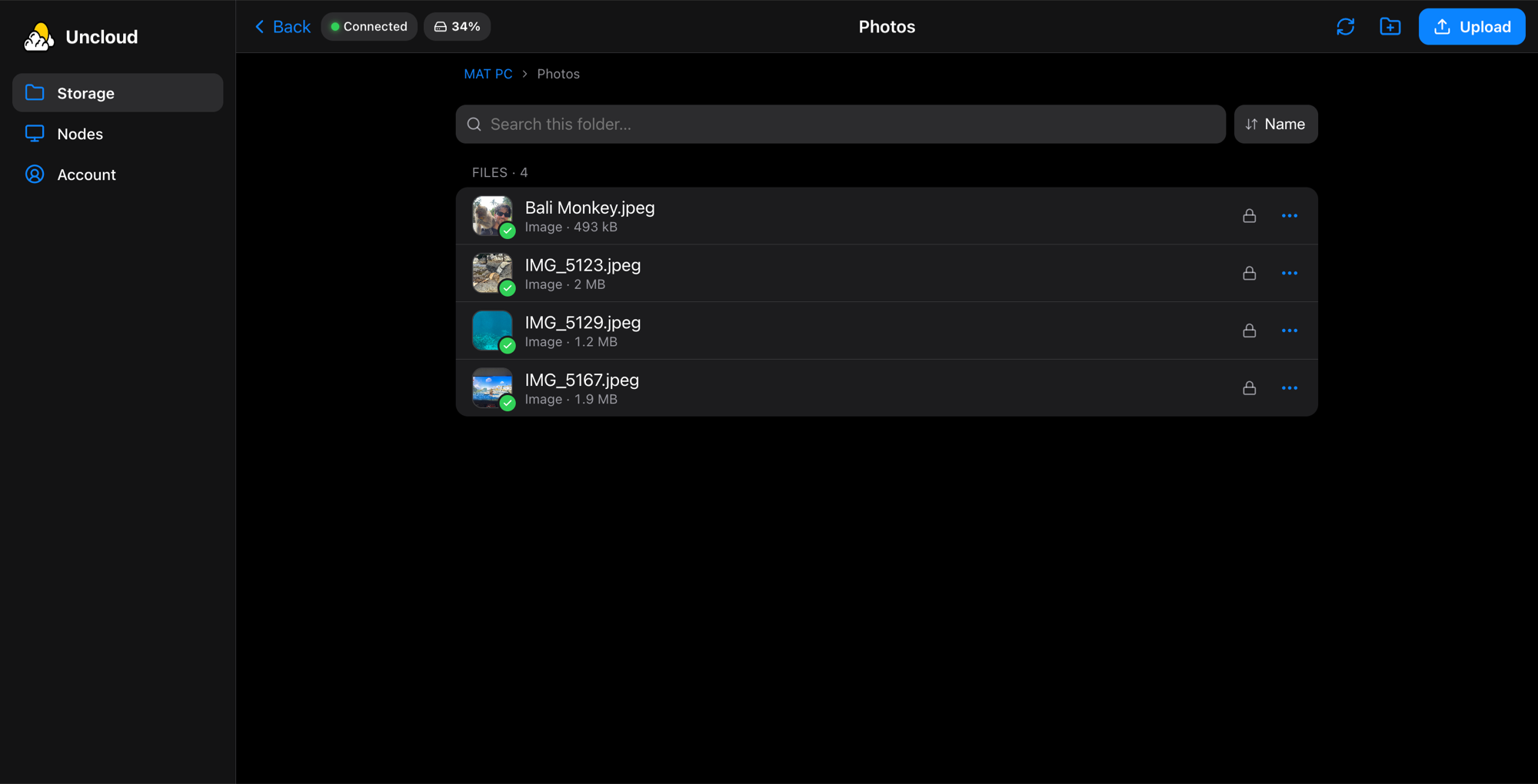
Tap Import from Cloud Storage and your node pulls everything out of the cloud, folders and all, still encrypted. Free accounts get 7 extra days to do it.
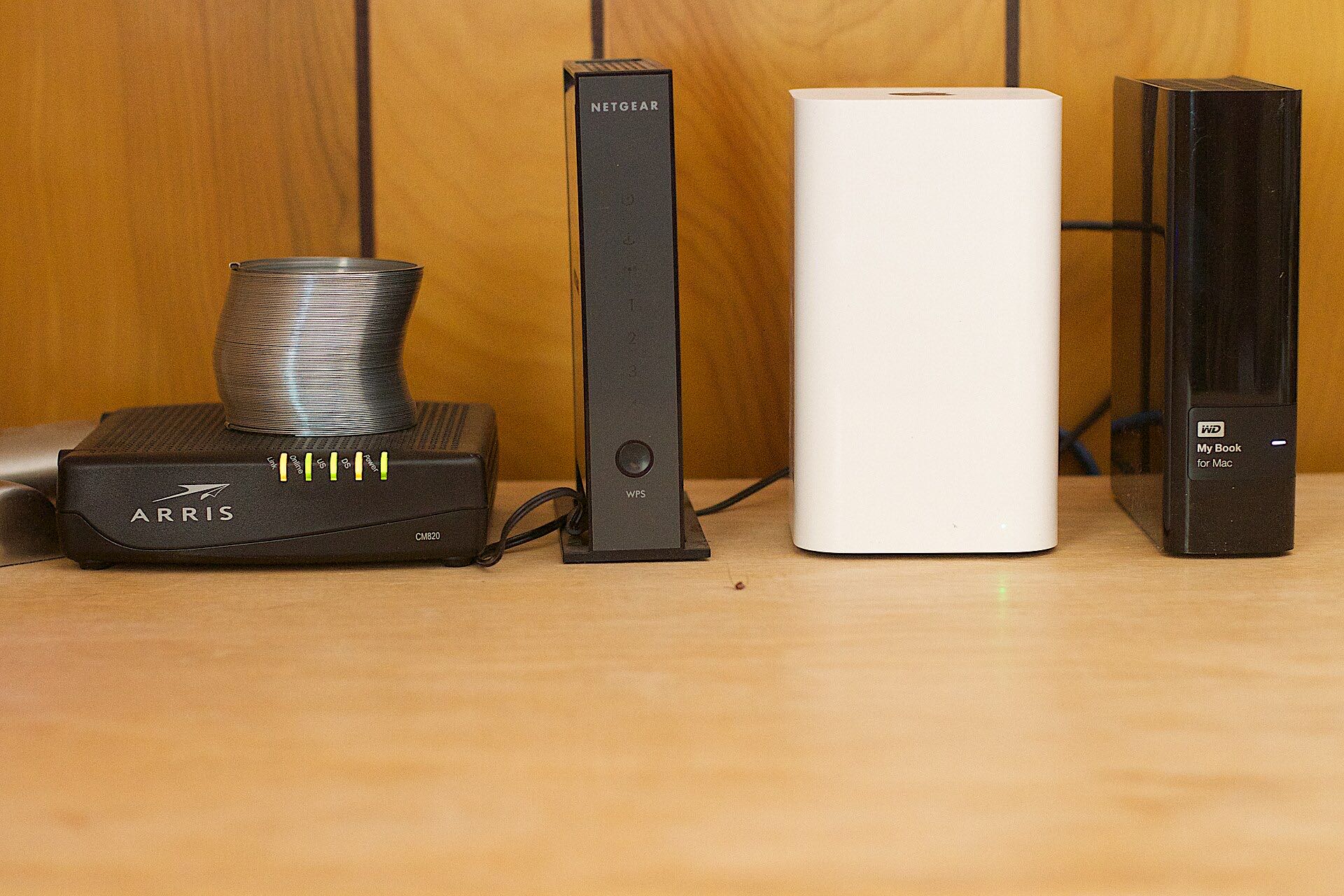
The Uncloud network connects your phone straight to your node. No port forwarding, nothing to change on your router. Away from home, Plus keeps it in reach.
Pricing
Uncloud Plus
100 GB
Of encrypted cloud storage for as long as you like, and your own storage node from any network.
Cancel before the trial ends and you won't be charged. Fair use applies.
Free to start
No card. When the 30 days are up you get 7 more to move it all home.
Always free
A storage node on your home network costs nothing, and holds as much as its drives.
Every screen
Any browser on Mac, Windows or Linux
Free on the App Store
Set up a node
curl -sSL https://uncloud.mpsoftware.io/install.sh | shirm https://uncloud.mpsoftware.io/install.ps1 | iexRun it on the computer that will hold your files, then sign in to pair it with your account.
No port forwarding, nothing to change on your router. Your phone finds the node through the Uncloud network. Read the setup guide or see how it works.
Rather plug something in? The Uncloud Storage Node device is on its way: it goes on your router and that's it. Start in the cloud today and move your files across when it arrives.